
Cloud, Security & IT
Microsoft 365 & Google Workspace Setup
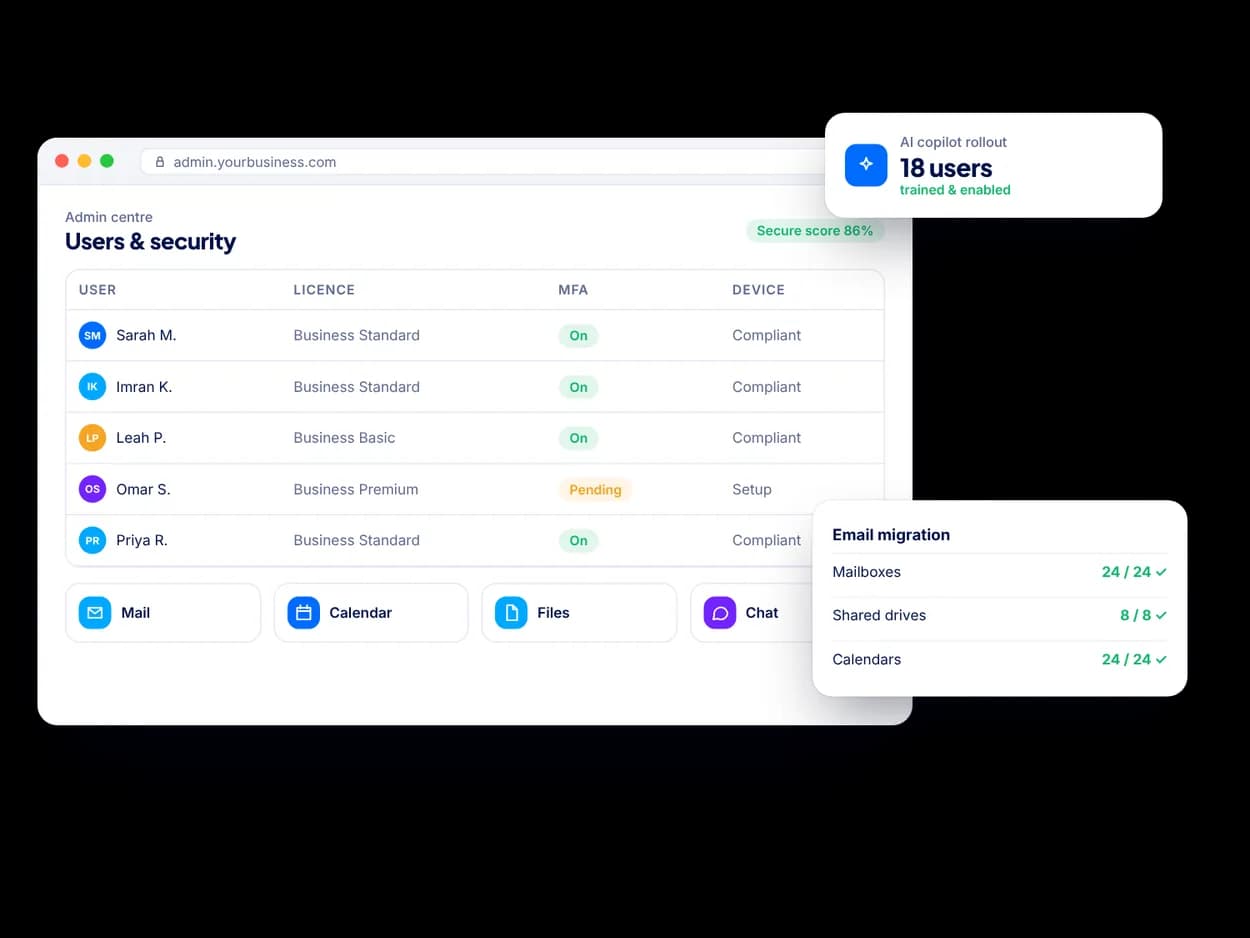
Digitexa AI sets up and tidies up Microsoft 365 and Google Workspace for small businesses: accounts, email migration, shared files, Teams or Chat, device basics, security baselines and AI assistants such as Copilot and Gemini.
What is a Microsoft 365 or Google Workspace setup?
It is the work of configuring your organisation's email, calendars, file storage, chat and video calls so everyone can collaborate securely from day one. A good setup covers accounts and licences, a sensible folder and permission structure, security settings and a smooth move from your old email or file system.
What does the service include?
- Tenant setup: domain verification, users, groups, licences and admin roles configured properly.
- Email migration: moving mailboxes, calendars and contacts from another provider or between Microsoft 365 and Google Workspace.
- Files and collaboration: a clear Teams, SharePoint, OneDrive or Shared Drives structure that matches how your teams work.
- Device management basics: enrolling laptops and phones with Microsoft Intune or Google endpoint management, so lost devices can be secured.
- Security baselines: multi-factor authentication, conditional access where available, sharing policies and alerts.
- Copilot and Gemini rollout: checking permissions before enabling AI assistants, then helping staff use them well.
Why do permissions matter before rolling out Copilot or Gemini?
AI assistants such as Microsoft 365 Copilot and Gemini for Google Workspace can surface any document a user already has access to. If files are overshared, the assistant can reveal them in answers. We review sharing and permissions first, so AI makes your team faster without exposing sensitive information.
How does the process work?
- Review: we look at your current email, files, devices and licences.
- Design: we agree the structure of teams, sites, drives and permissions with you.
- Configure and migrate: we set up the tenant and move email and files, often in stages to limit disruption.
- Train and hand over: short sessions for staff and admin documentation for your team.
Who is this for?
Start-ups setting up for the first time, growing teams that outgrew personal accounts, and businesses moving between providers or consolidating after a merger. It pairs well with our cybersecurity service and automation and integrations work.
Ready to talk? Tell us about your project and a senior engineer will reply with next steps, questions and a suggested approach.
Microsoft 365 & Google Workspace Setup: FAQs
Should my small business use Microsoft 365 or Google Workspace?
Both are solid choices. Microsoft 365 suits teams that rely on desktop Word, Excel and Outlook or need Teams and SharePoint, while Google Workspace is often simpler for browser-first teams. We help you choose based on how your people work and the tools you already use.
Will we lose emails when migrating to Microsoft 365 or Google Workspace?
A planned migration copies existing mailboxes, folders, calendars and contacts to the new platform. We migrate in stages, check the results and switch mail delivery only when the data is in place.
How do we prepare for Microsoft Copilot or Google Gemini?
Start by reviewing who can see which files, removing overshared links and labelling sensitive content. Then enable the assistant for a pilot group, gather feedback and roll it out more widely with short training.
Can you manage our Microsoft 365 or Google Workspace after setup?
Yes. We can handle ongoing admin such as new starters, leavers, licence changes and security reviews as part of a managed support plan, or train someone on your team to do it.